Instructions: monitor holder for the AIO controller
How to assemble the monitor holder and click it onto your Carplounge AIO controller. No tools needed.
-
Two parts
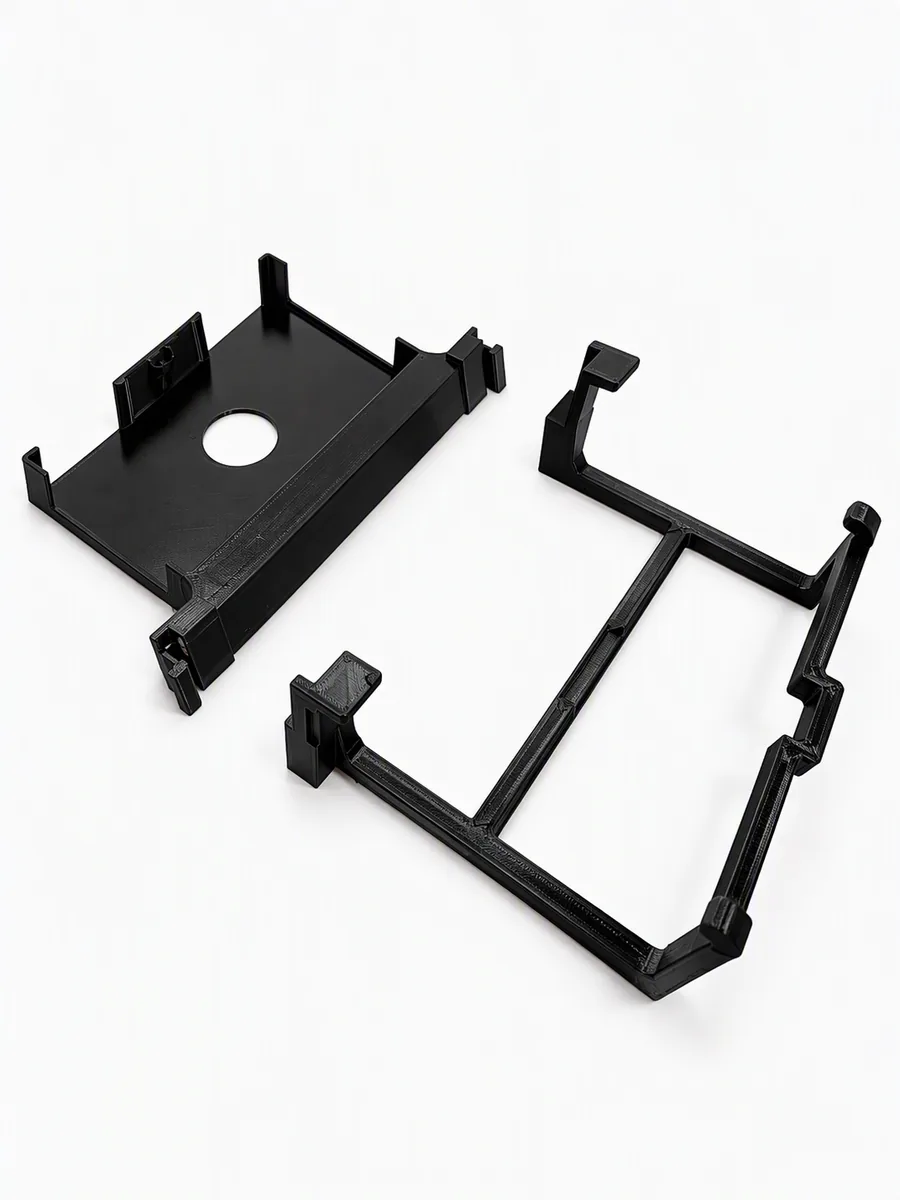
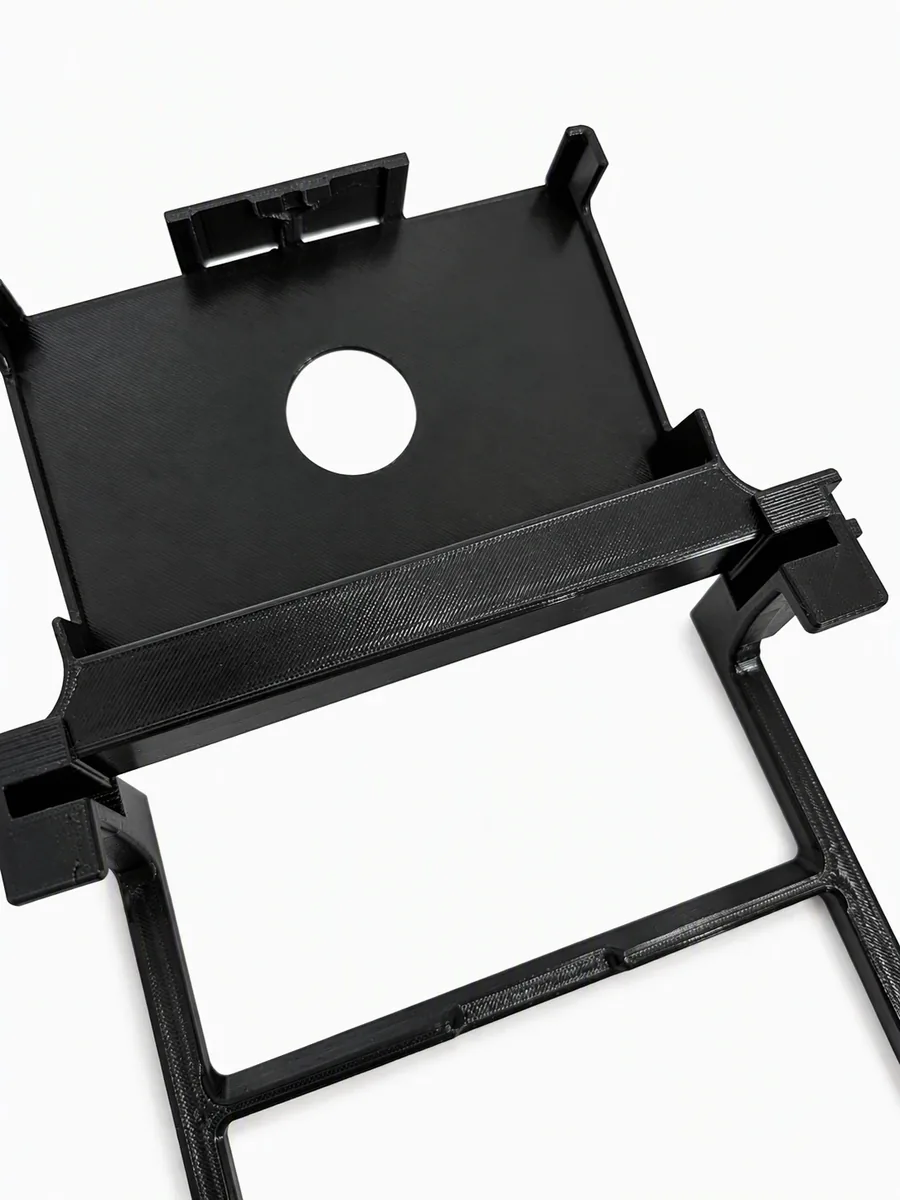
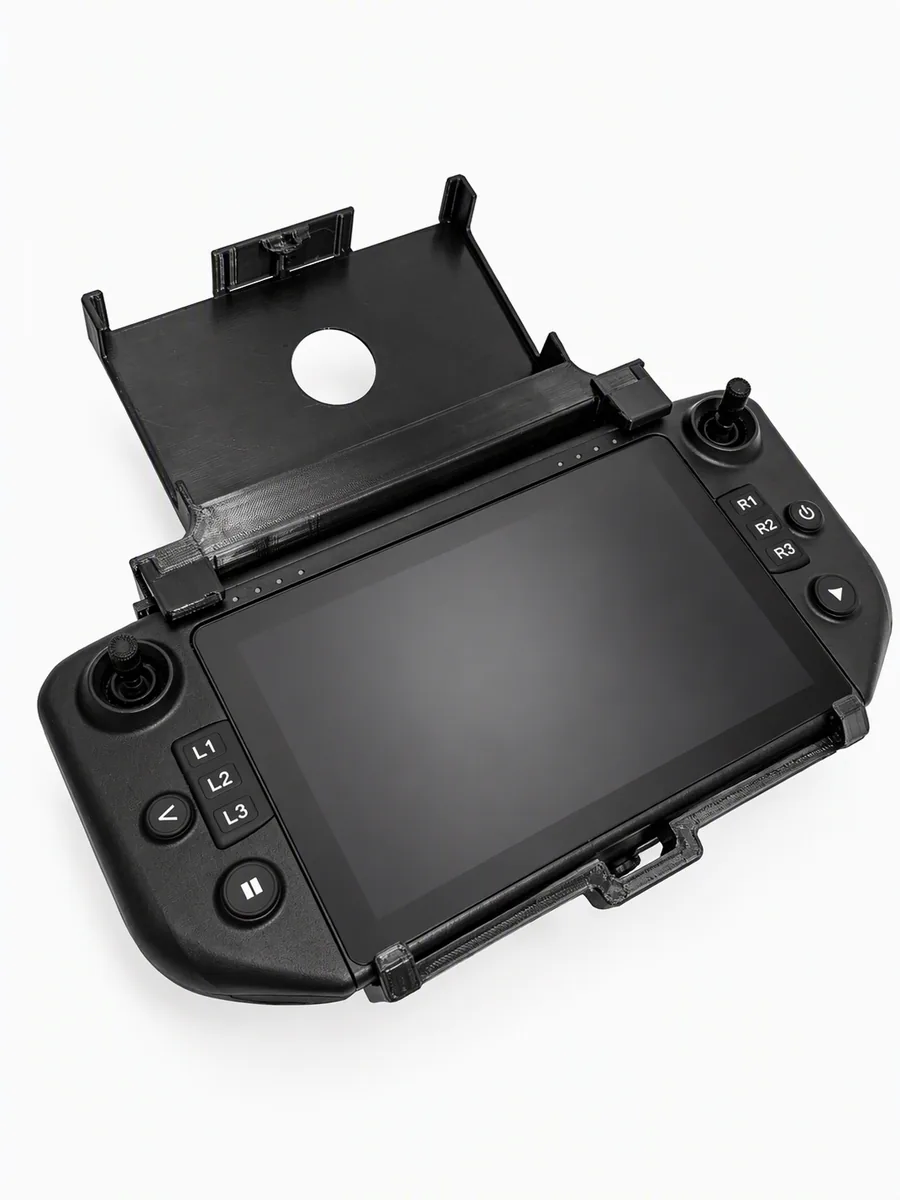
The holder comes in two parts: the screen holder with the round hole, which takes your monitor, and the frame, which clicks around the controller.
-
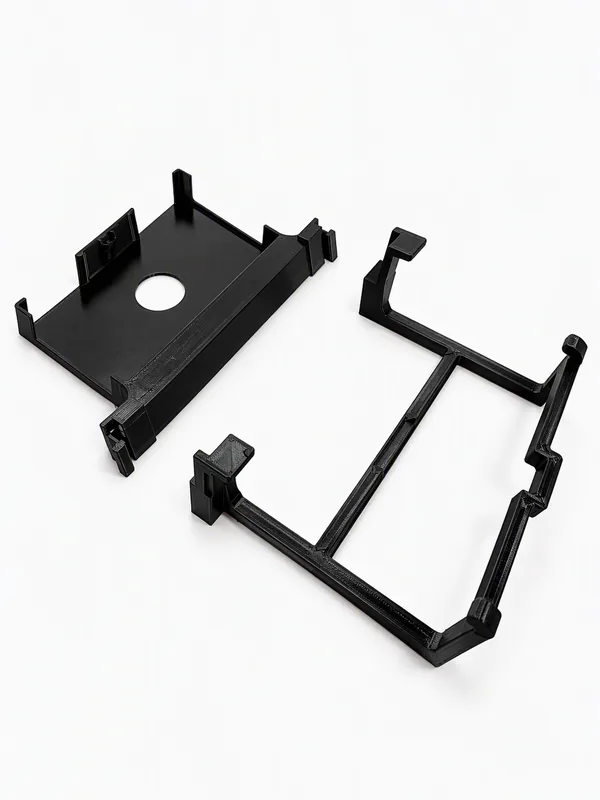
Screen holder (left) and frame
-
-
Click the screen holder onto the frame
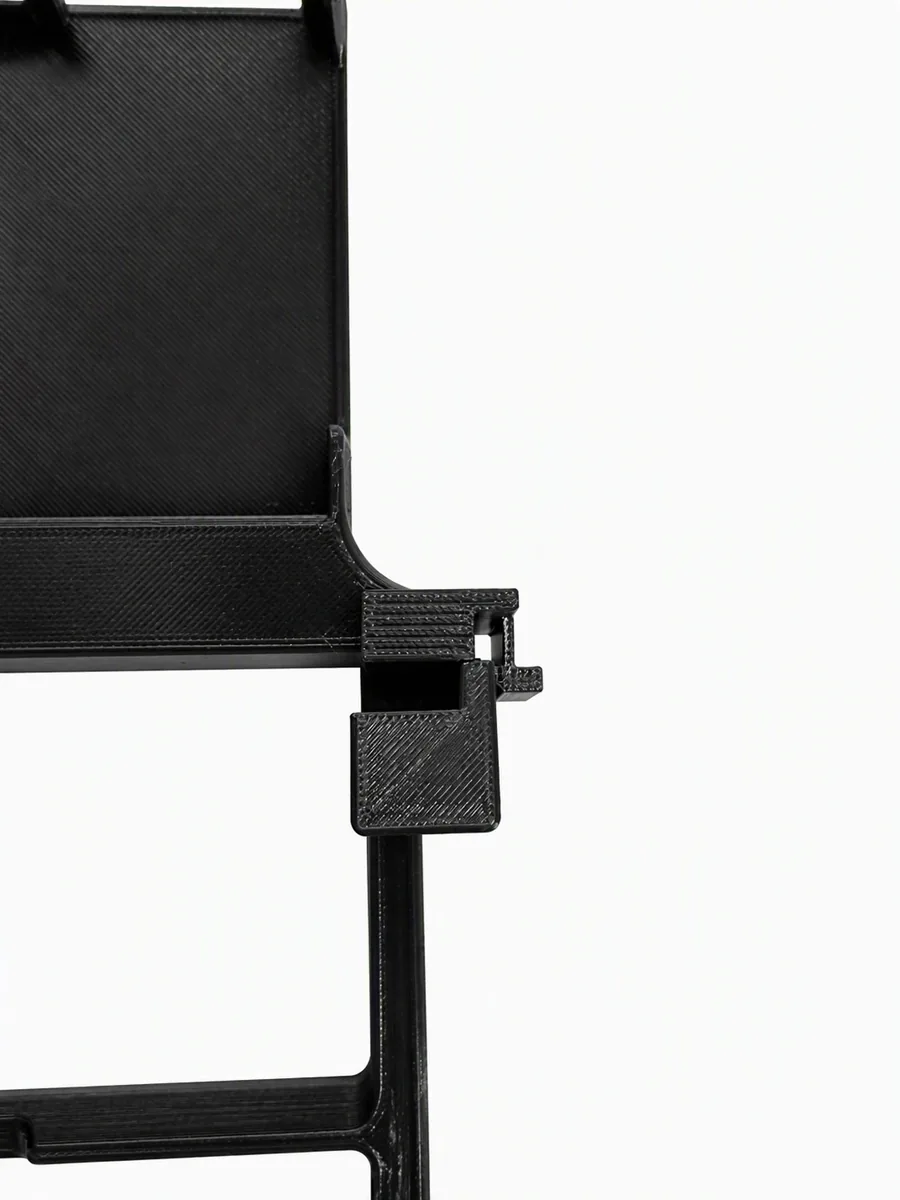
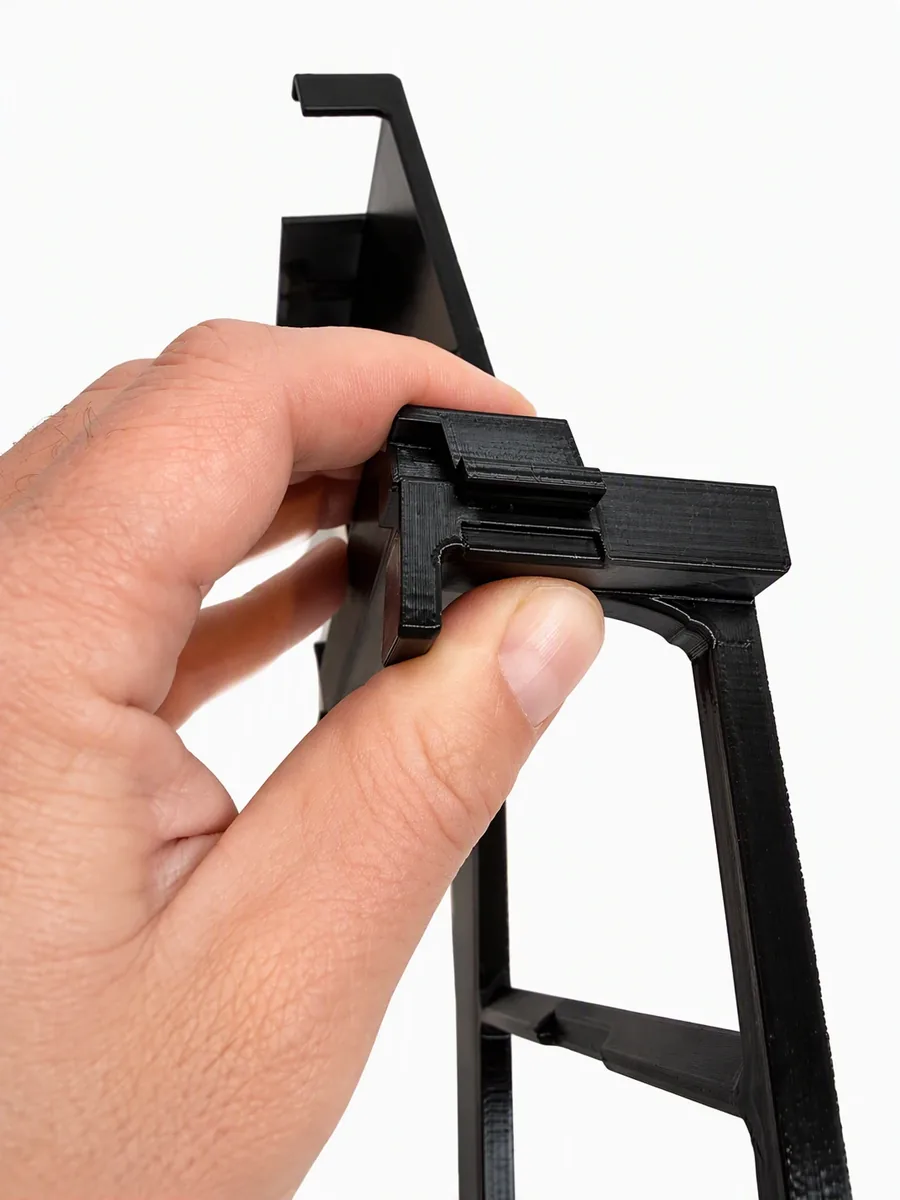
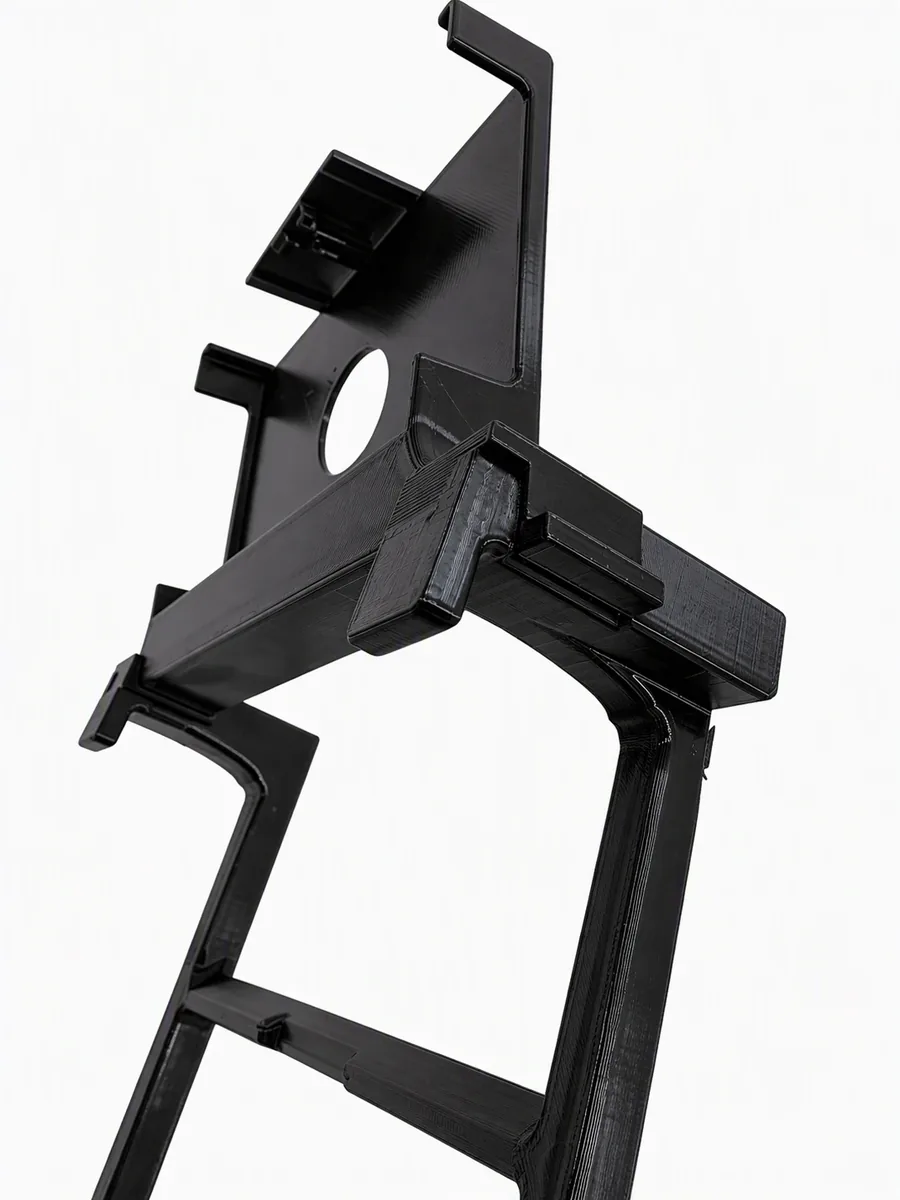
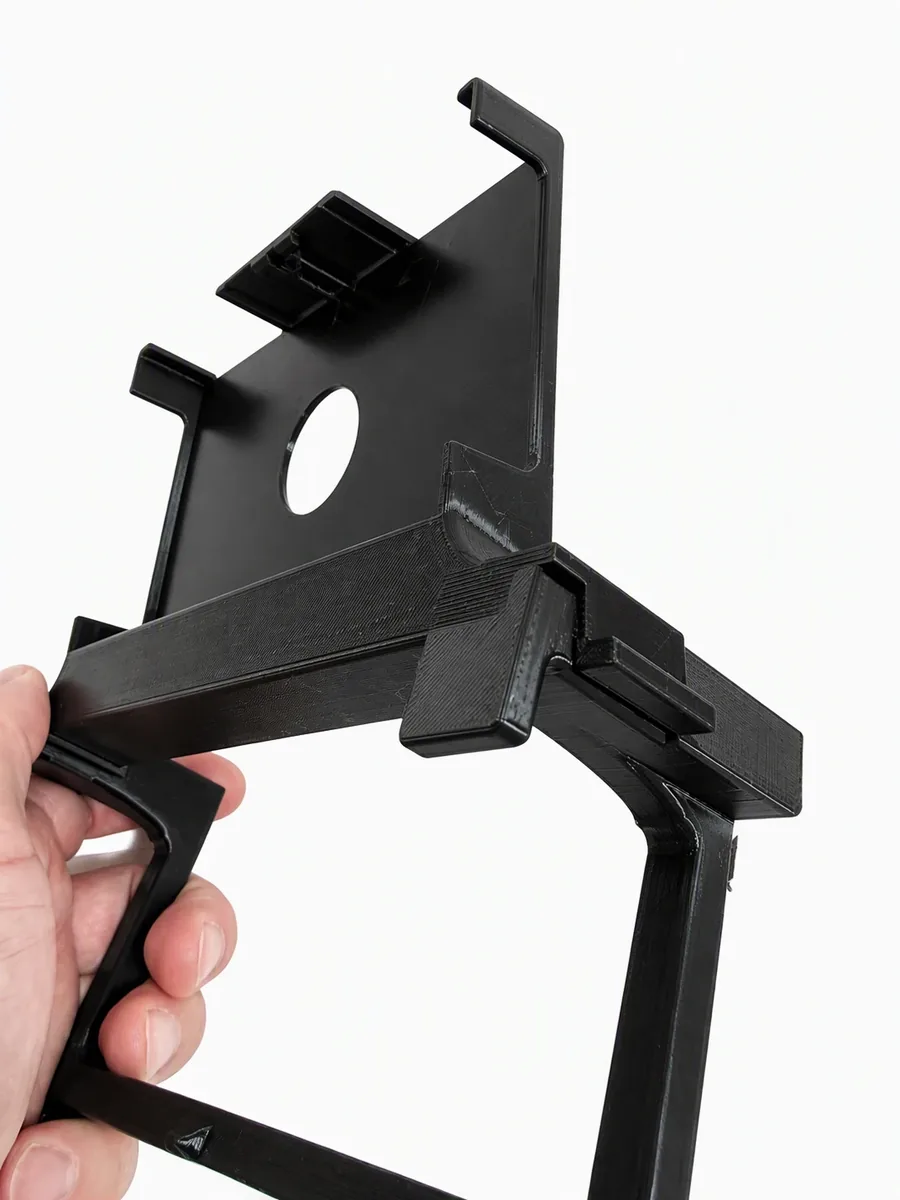
On each side there is a clip arm on the screen holder and a block on the frame. Put the clip arm over the block and press it down until it clicks. Do this on both sides; the two parts are then firmly joined.
-
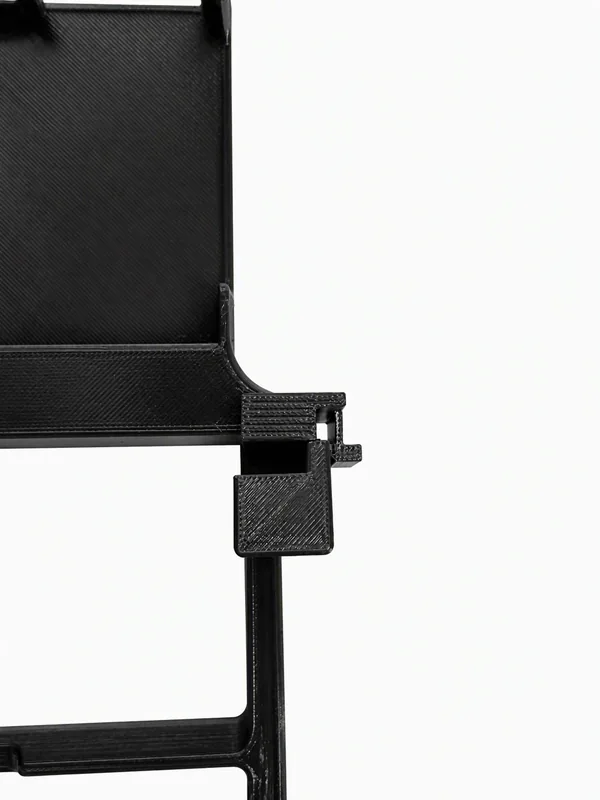
Clip arm above the block -
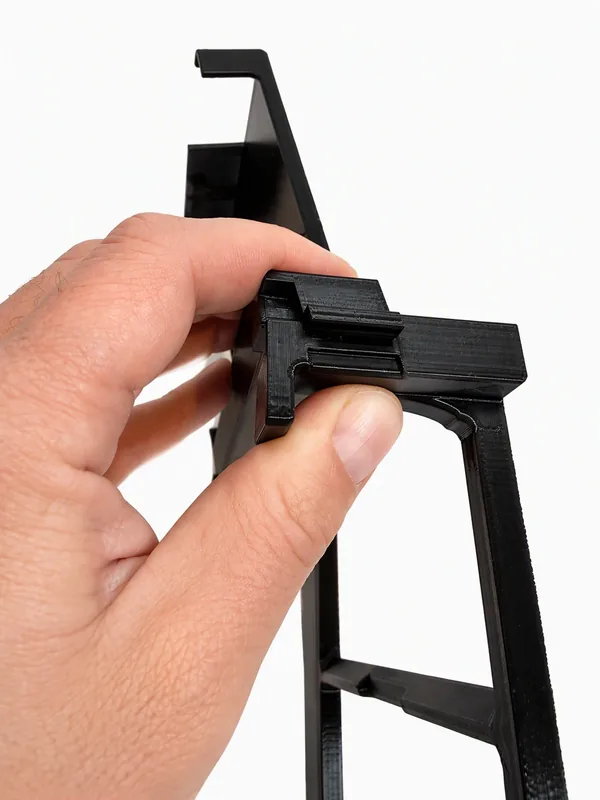
Press until it clicks -
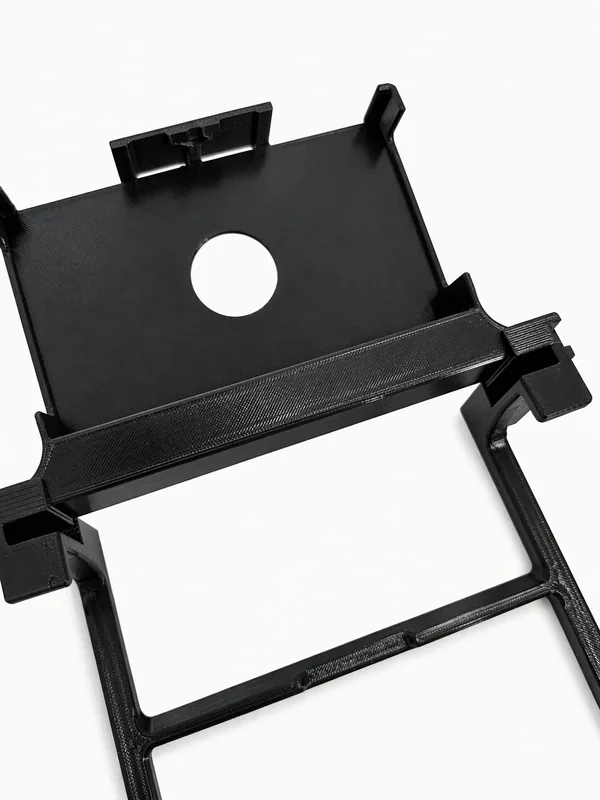
Both sides clicked in -
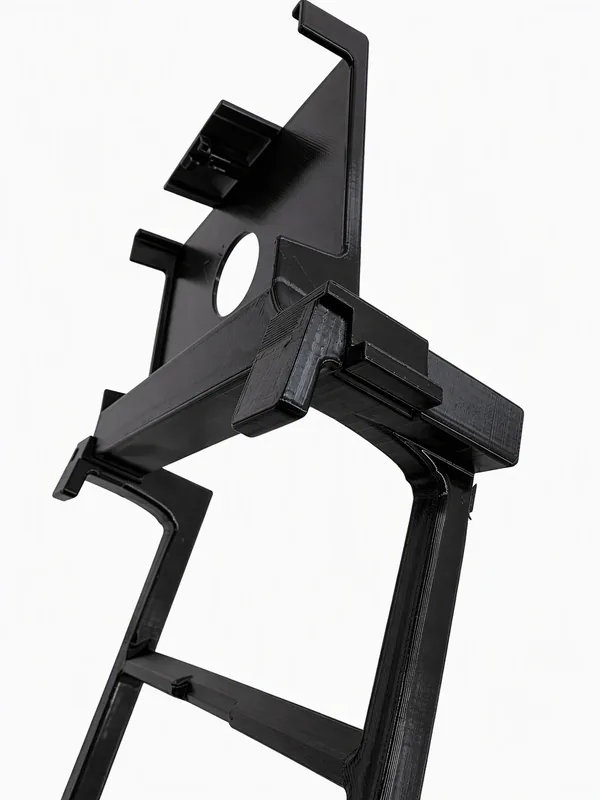
Ready for the controller -
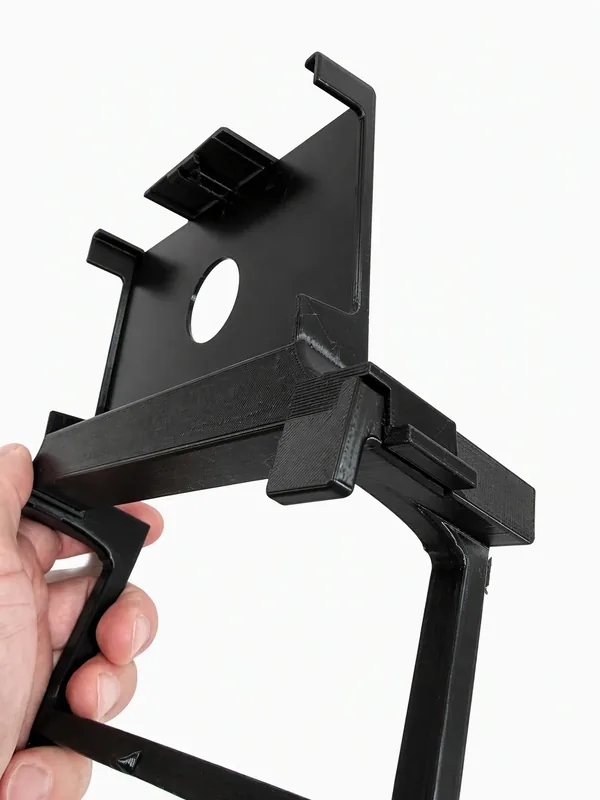
One piece
-
-
Click the holder onto the controller
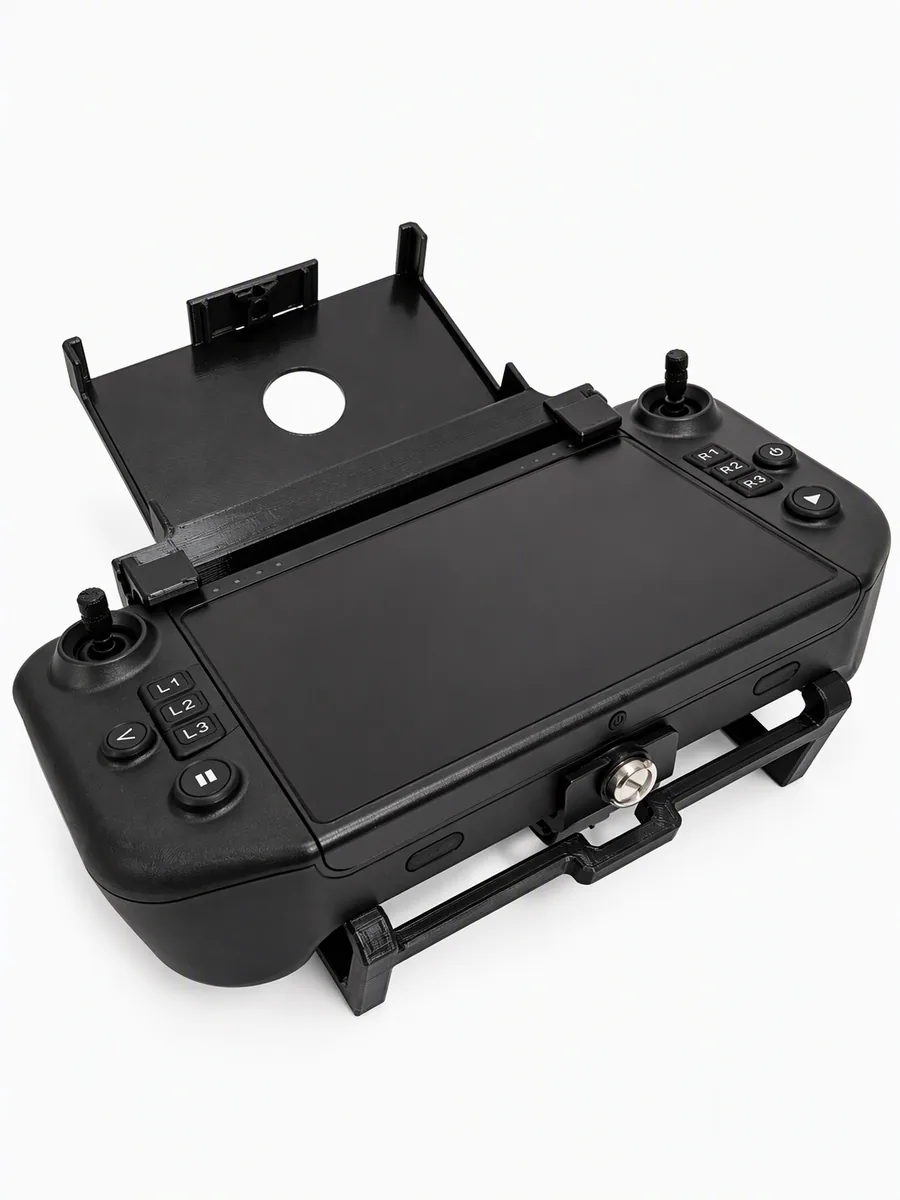
Lay the controller in the frame and hook it behind the edge of the frame on one side first. Then press the other side down until the frame clicks over the edge. Antennas, ports and the tripod mount stay free.
-
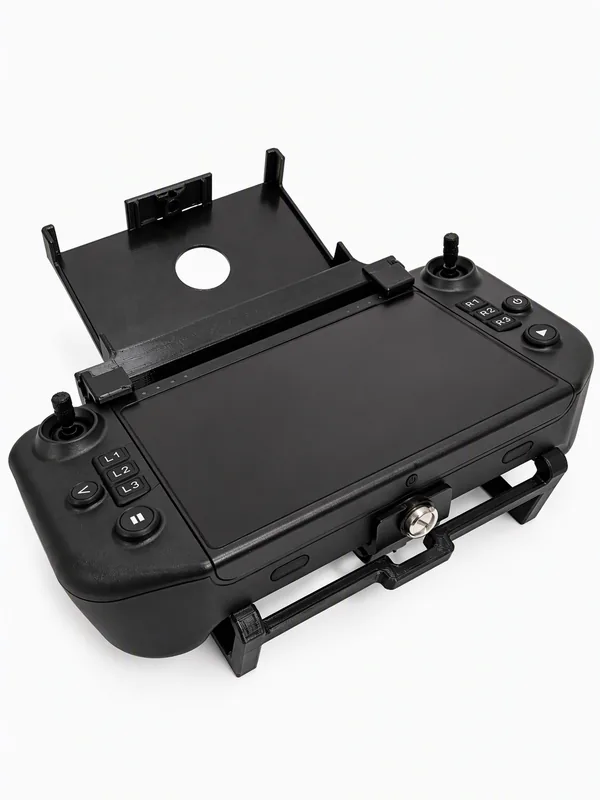
Bottom edge: the frame clicks over the edge -
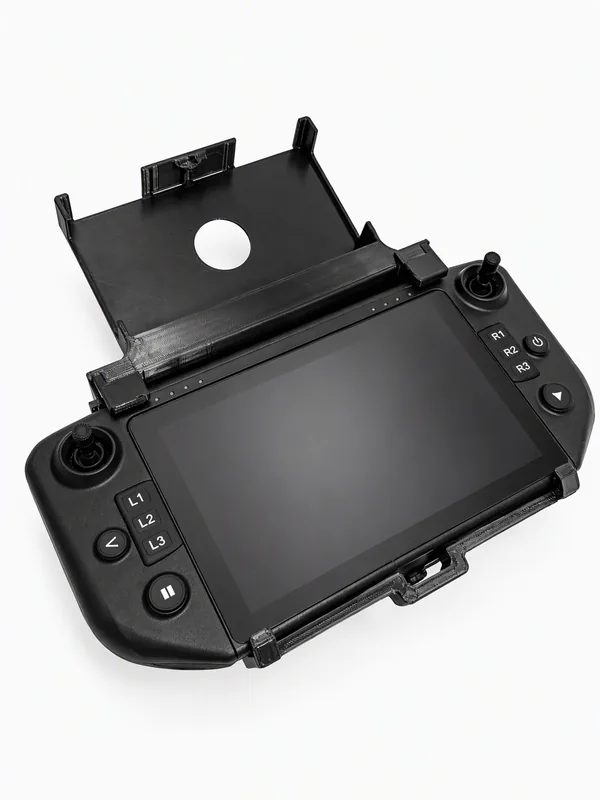
Locked onto the controller
-
-
Put the monitor in
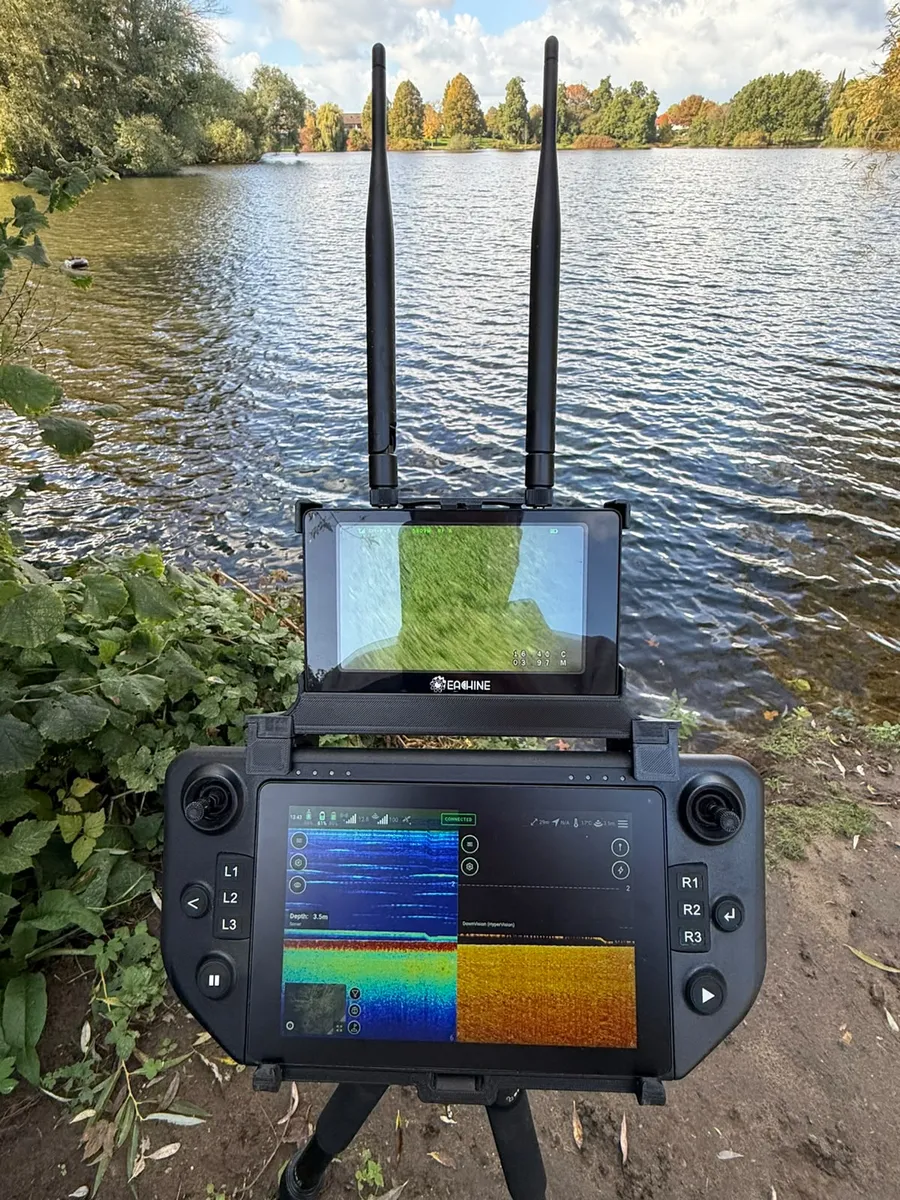
Click the monitor into the screen holder. It sits firmly and is easy to take out again.
-
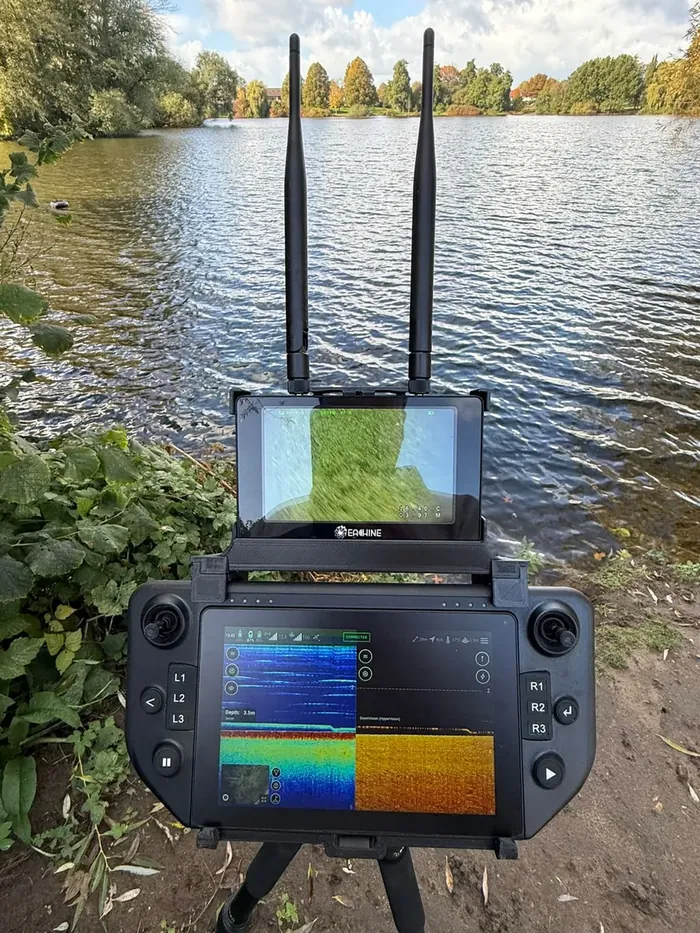
Ready to use
-
Taking it off
The whole holder clicks off the controller in one go: pull up the side you pressed down last and lift it off. Screen holder and frame stay together, so you can store the holder in one piece. Only want the monitor off? Take it out of the screen holder.
Something stiff? Don't force it; check that the clip arm sits straight over the block. Questions? Email info@lsfishing.nl.